

eBay Gift Card Code: How to Buy, Redeem & Use It the Smart Way

So someone handed you an eBay gift card code, or maybe you bought one for yourself during a sale. Either way, you’re probably staring at that little string of letters and numbers wondering what to actually do with it. You’re not alone — this happens more than you’d think, and honestly, eBay doesn’t make the process as obvious as it should.
Here’s the good news: redeeming an eBay gift card code takes about two minutes once you know where to look. The bad news? There are a handful of scams built around fake gift card codes, and if you’re not careful, you could lose money instead of saving it. This guide walks you through everything — buying one, redeeming it, checking your balance, and steering clear of the tricks scammers love to pull.
What You’ll Learn in This Guide
- What an eBay gift card code actually is
- Where to safely buy one
- How to redeem an eBay gift card code step by step
- How to check your eBay gift card balance
- Smart ways to spend it
- Common eBay gift card code scams (and how to avoid them)
- Frequently asked questions
What Is an eBay Gift Card Code, Anyway?
An eBay gift card code is basically a prepaid credit you can apply to your eBay account. Think of it like a digital voucher — it’s not tied to a physical card most of the time, just a code you type in at checkout. Once it’s added to your account, the balance sits there until you use it, and eBay applies it automatically to your next purchase.
People give these as gifts because, let’s be honest, eBay sells almost everything. Electronics, collectibles, car parts, vintage furniture — if it exists, someone’s probably selling it on there. A gift card gives the recipient freedom to pick whatever they actually want instead of guessing.
You’ll usually see eBay gift cards in two forms: a physical card with a scratch-off code on the back, or a digital code delivered by email. Both work exactly the same way once you’re ready to redeem them.
Where to Buy an eBay Gift Card Code (Safely)
If you’re buying one — for yourself or someone else — where you get it matters a lot. This is actually where most of the trouble starts.
Buying Directly from eBay
The safest route is buying straight from eBay’s own gift card page. You pick a denomination, pay, and the eBay gift card code either gets emailed to you or shipped as a physical card. Since it’s coming directly from eBay, there’s zero risk of it being a fake or already-used code.
Buying from Retail Stores
Most major retailers — Walmart, Target, CVS, Walgreens — carry physical eBay gift cards near the checkout counter. This is a solid option if you want something to hand someone in person. Just do one quick thing before buying: check that the scratch-off panel on the back hasn’t been tampered with. Scammers sometimes peel it back, copy the code, then reseal it and put the card back on the rack.
Digital Gift Card Marketplaces
Sites like Raise or CardCash resell gift cards, sometimes at a discount. You can find a legit eBay gift card code this way, but the risk goes up. Stick to marketplaces with buyer protection and solid reviews, and never buy a gift card code from someone messaging you directly on social media or through a classifieds site. That’s basically a guaranteed way to lose your money.
How to Redeem Your eBay Gift Card Code
Alright, you’ve got your code. Here’s exactly how to add it to your account.
Step-by-Step Redemption Guide
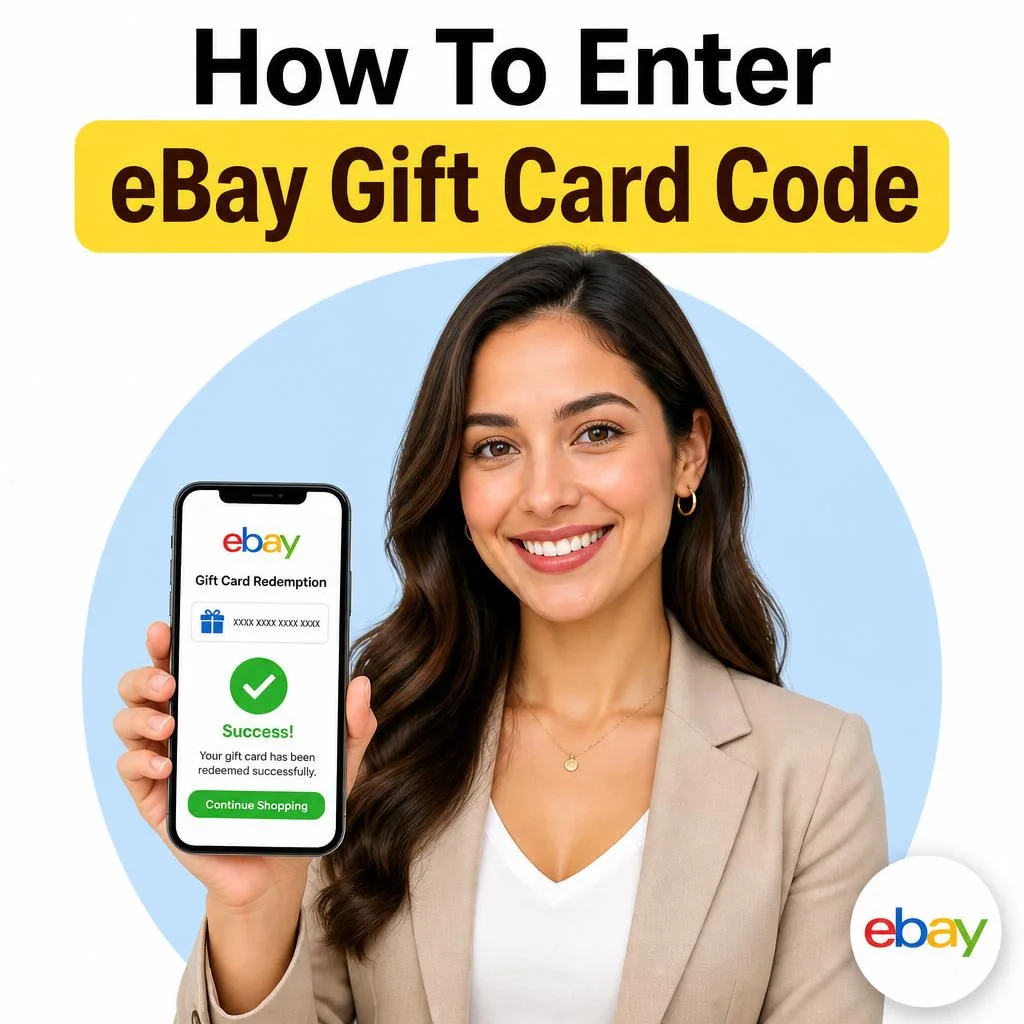
- Log into your eBay account on desktop or the app — you’ll need an account either way.
- Go to your Account settings, then find the Gift Cards, Coupons, and eBay Bucks section.
- Click Redeem a gift card.
- Enter the eBay gift card code exactly as it appears — no spaces, and double-check letters like O versus 0.
- Hit Apply, and the balance should show up in your account almost instantly.
That’s it. The credit sits in your account and eBay pulls from it automatically the next time you check out. You don’t have to manually apply it at checkout unless you want to save part of the balance for later.
What to Do If Your Code Won’t Work
Every once in a while, a code just won’t redeem. Before panicking, try these fixes:
- Re-check every character. It’s shockingly easy to mix up an I and a 1, or a B and an 8.
- Make sure it hasn’t been used already. If you bought it secondhand, someone may have already claimed the balance.
- Confirm it’s actually an eBay-specific code, not a generic Visa or Mastercard gift card (those work differently at eBay checkout).
- Contact eBay customer support directly if none of that works — have your receipt or proof of purchase ready, since they’ll usually ask for it.
Checking Your eBay Gift Card Balance
Want to know how much is left before you go shopping? It only takes a second. Log into your account, head to the same Gift Cards and Coupons page you used to redeem it, and your current balance will be listed right there. There’s no separate “balance checker” tool you need to hunt down — it’s all in one spot.
One thing worth knowing: eBay gift card balances typically don’t expire, so there’s no rush to spend it all in one go.
Smart Ways to Use Your eBay Gift Card Code
Once your eBay gift card code is redeemed, you’ve basically got free money sitting in your account. Here’s how to actually make it count instead of blowing it on the first thing you see.
- Combine it with eBay coupons. eBay runs coupon codes regularly, and gift card balances usually stack with them for extra savings.
- Watch for eBay Bucks promotions. During certain sales events, you earn cashback that layers on top of whatever you’re already saving.
- Save it for big-ticket items. If you’re eyeing something pricier — a laptop, a piece of furniture, a rare collectible — let the balance sit until that listing goes on sale.
- Split a large purchase. You don’t have to use the whole balance at once. Apply part of it and pay the rest another way if you want to preserve some credit for later.
eBay Gift Card Code Scams to Watch Out For
This is the part that matters most, so pay attention here. Gift card scams cost people thousands of dollars every year, and eBay gift cards are a favorite target because they’re widely accepted and hard to trace once redeemed.
Red Flags of a Scam
- Someone online — a “landlord,” an online love interest, a fake IRS agent, a tech support caller — asks you to pay them using an eBay gift card code. Real businesses and government agencies never ask for payment this way. Ever.
- You’re told to read the code out loud over the phone or send a photo of it in a text message.
- A listing or seller asks you to pay outside of eBay’s official checkout using a gift card code as “proof of payment.”
- You receive an unsolicited email claiming you’ve won a free eBay gift card and need to “verify” your account first.
How to Protect Yourself
If anyone ever asks you to pay them with a gift card code, treat it as an automatic red flag — no exceptions. Legitimate transactions on eBay happen through eBay’s checkout system, full stop. And if you ever do fall for a scam and hand over a code, contact eBay support immediately; there’s a small window where they may be able to help, but the faster you report it, the better your odds.
It’s also worth mentioning this to a trusted friend or family member before you act, especially if the request feels urgent or emotional. Scammers count on you moving fast without thinking it through.
eBay Gift Card vs. eBay Bucks: What’s the Difference?
People mix these up constantly, so let’s clear it up. An eBay gift card code is a fixed dollar amount you purchase or receive as a gift. eBay Bucks, on the other hand, is a rewards program — you earn a percentage back on qualifying purchases, and that credit shows up later to use on future orders. You can absolutely have both sitting in your account at once, and eBay will typically apply them together at checkout, gift card balance first.
Frequently Asked Questions
How do I redeem an eBay gift card code?
Log into your eBay account, go to Account > Gift Cards, Coupons, and eBay Bucks, and select Redeem a gift card. Enter the code exactly as shown, then click Apply. The balance appears in your account within seconds and is ready to use at checkout.
Does an eBay gift card code expire?
No, eBay gift card balances generally don’t have an expiration date once redeemed to your account. That said, always check the terms printed on the card or in your confirmation email, since promotional codes can sometimes carry different rules.
Can I use an eBay gift card code to pay someone directly?
No — eBay gift cards can only be applied to purchases made through eBay’s own checkout system. If anyone asks you to send them a gift card code as payment for rent, a debt, or anything outside of eBay, it’s a scam.
What if my eBay gift card code isn’t working?
Double-check that you typed the code exactly, confirm it hasn’t already been redeemed, and make sure it’s an eBay-specific card and not a general prepaid card. If it still won’t work, contact eBay support with your proof of purchase.
Can I check my eBay gift card balance without redeeming it first?
You’ll need to redeem the code to your account before eBay shows the balance — there’s no separate lookup tool for unredeemed codes. Once applied, your balance is visible anytime under the Gift Cards section of your account.
Final Thoughts
Redeeming an eBay gift card code really is this simple once you know the steps — the trickiest part is usually just typing the code correctly. Buy from trusted sources, redeem it as soon as you can, and never, under any circumstances, use one to “pay” someone who’s asking outside of eBay’s checkout. Do that, and you’ll get every dollar of value out of your card with none of the headaches.
Ready to put that balance to work? Head to eBay, redeem your code, and start browsing — your next great find is probably one search away.