
Roblox Mod: What It Is, Risks & Safer Alternatives
You’ve probably seen the phrase Roblox Mod while searching for extra features, unlimited Robux, unlocked items, or a way to make Roblox feel a little less restricted.
And honestly, the appeal is easy to understand.
Maybe you’re tired of grinding for rewards. Maybe a video promised a “mod menu” with everything unlocked. Or perhaps you simply want to know whether these modified versions are real or just another internet trap.
This guide breaks it all down. You’ll learn what a Roblox Mod usually means, how these modified clients differ from official Roblox, what the biggest risks are, and which safer options can give you more freedom without putting your account or device at unnecessary risk.

What Is a Roblox Mod?
A Roblox Mod generally refers to a modified or unofficial version of Roblox, or to software that claims to change how Roblox works.
Unlike normal Roblox, a modified client may advertise features that aren’t part of the official app. These can include altered graphics, extra interface options, unlocked content, automation, or gameplay advantages.
The word “mod” can be confusing, though.
In some gaming communities, modding simply means changing a game for personal customization. In Roblox, things are different because the platform is built around online services, user-created experiences, accounts, virtual items, and server-side systems.
That means a modified client isn’t simply changing a few files on your computer.
It may be interacting with a much larger ecosystem.
A useful way to think about a Roblox Mod is like installing an unofficial remote control for a service you don’t own. It might promise extra buttons, but you don’t really know what those buttons are doing behind the scenes.
And that’s where the problems can start.
Roblox’s own support guidance says exploiting or cheating violates its Terms of Use and can result in account deletion. Roblox also warns that many exploits are scams designed to distribute malware or steal personal information.
How Modified Roblox Versions Usually Work
There isn’t one universal type of Roblox Mod.
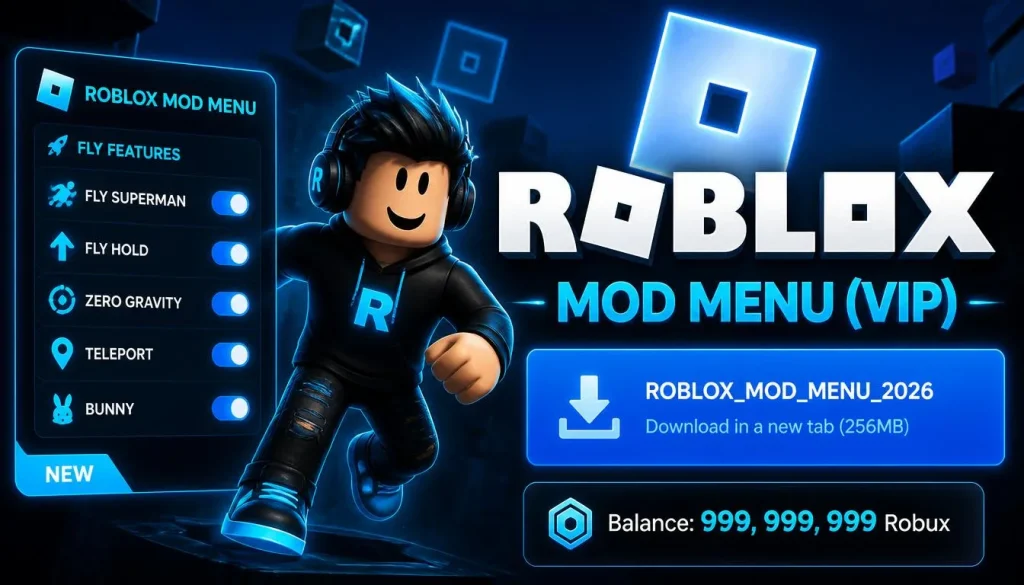
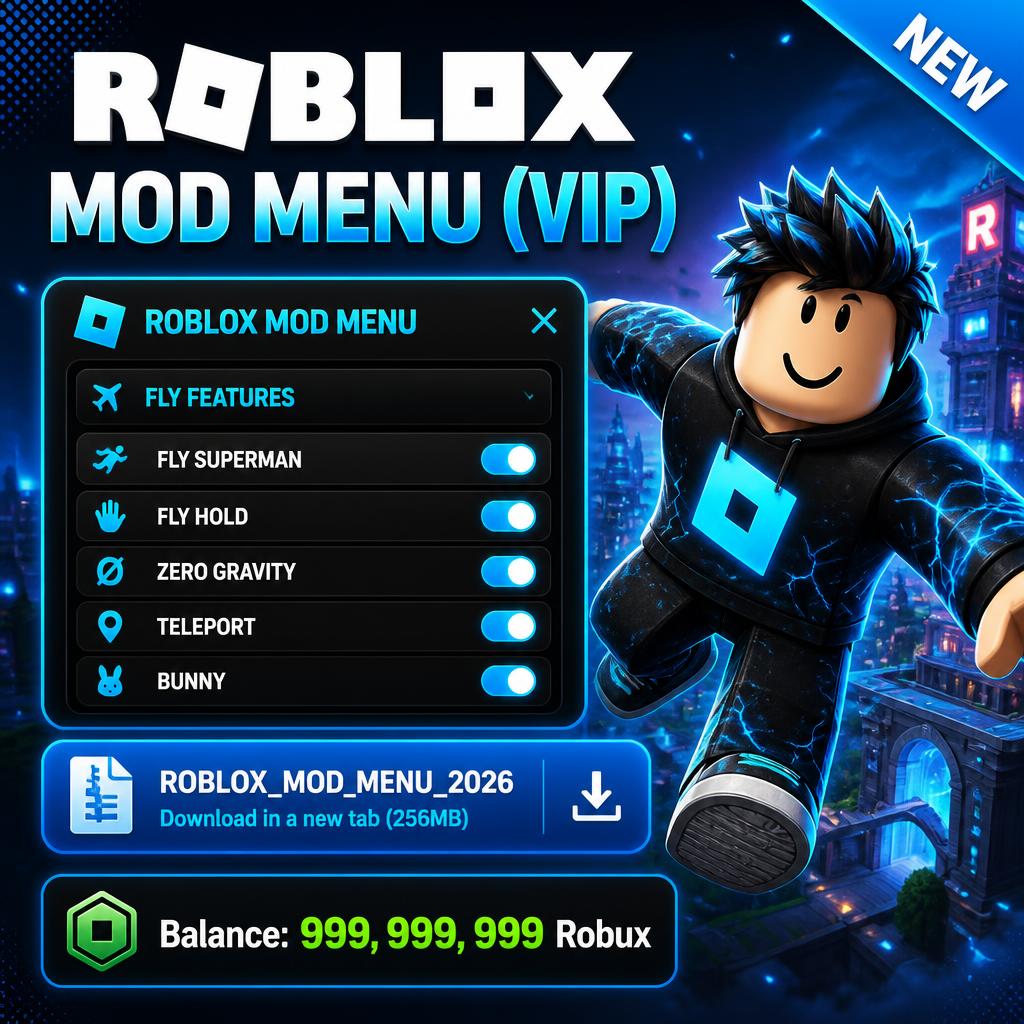
Different websites use the phrase for completely different things. Some advertise modified mobile applications. Others promote PC tools, scripts, launchers, browser extensions, or supposed “mod menus.”
The technology behind them can vary dramatically.
Modified app packages
On mobile, a modified version may be distributed as an unofficial application package.
The package could claim to include unlocked features, special menus, or other changes.
The problem is simple: you’re trusting whoever repackaged the application.
You can’t automatically assume the file contains exactly what the website claims.
Third-party tools
Some sites don’t provide a modified Roblox application at all. Instead, they offer another program that supposedly interacts with Roblox.
These programs may ask for unusual permissions or request access to information they don’t actually need.
That’s a major warning sign.
Scripts and exploit tools
Another category involves scripts or tools that claim to manipulate gameplay.
This is where the difference between customization and cheating becomes especially important.
Roblox specifically prohibits cheating, exploiting, attempts to bypass platform security, and unauthorized access.
Browser extensions
You may also encounter browser extensions advertised as Roblox enhancement tools.
Be careful here.
Roblox says it does not create official browser extensions and warns users to consider the risks of third-party extensions, especially those requesting access to personal information.
Why People Search for Roblox Mods
The popularity of Roblox Mod searches isn’t difficult to understand.
Roblox has thousands of experiences, countless cosmetic items, and a huge amount of user-created content. Players naturally want more control over how they play.
Here are some of the most common reasons people look for modified versions.
1. They want more customization
Players may want different graphics, interfaces, visual effects, or convenience features.
Customization is one of the most appealing parts of gaming. Nobody wants every experience to feel identical.
2. They want faster progression
Some players are frustrated by repetitive grinding.
A website promising unlimited currency or instantly unlocked items can sound incredibly tempting after you’ve spent hours working toward the same goal.
3. They want premium-looking features
Some modified apps advertise access to features that normally require purchases.
This is particularly attractive to younger players who may not have their own payment methods.
4. They see viral videos
YouTube, TikTok, and social media can make a Roblox Mod look completely legitimate.
A flashy video showing an impossible amount of Robux can create the impression that everyone else has discovered some secret.
Usually, that’s exactly when you should slow down.
Screenshots and videos prove very little. They can be edited, staged, or recorded using a private test environment.
Common Features Advertised by Mod Sites
If you’ve searched for a Roblox Mod, you’ve probably noticed that the same promises appear again and again.
Typical advertisements may mention:
- Unlimited Robux
- Free premium items
- Unlocked skins
- Special menus
- Faster progression
- Extra graphics settings
- Flying or movement changes
- Automation
- “Anti-ban” protection
- Private servers
- Unlocked game features
The first few claims may sound harmless.
The last one should make you particularly cautious: “anti-ban.”
No random website can give you a magic shield against Roblox’s own enforcement systems.
Roblox’s Terms of Use state that violations can result in suspension or termination of an account and access to acquired content.
So when a download page promises “100% undetectable” cheating, treat that statement as advertising—not proof.
Are Roblox Mods Safe?
This is the question most players actually want answered.
The safest answer is: you shouldn’t assume an unofficial Roblox modification is safe.
The danger isn’t limited to getting banned.
A suspicious download can create privacy, security, and financial problems too.
Roblox itself warns users not to share passwords, browser cookies, 2-step verification codes, backup codes, or sensitive computer information. It also warns about phishing sites and malicious programs.
That matters because some websites promoting a Roblox Mod don’t stop at asking you to download a file.
They may ask you to:
- Disable antivirus software.
- Install an unknown application.
- Enter your Roblox username and password.
- Paste a browser cookie.
- Complete a suspicious survey.
- Install several browser extensions.
- Download another “verification” program.
That’s a lot of trust for a free game modification.
And once your account credentials are exposed, the problem becomes much bigger than missing a few game features.
The Biggest Roblox Mod Risks
Let’s talk about the risks without the technical jargon.
Account theft
A fake Roblox Mod can be used as bait for phishing.
You download something expecting unlimited items, then you’re asked to “verify” your account.
That verification page may simply be collecting your login information.
Roblox says the most common way players lose accounts is by sharing login information or entering it into scam sites.
Malware
Unknown executables and modified applications can contain harmful software.
Malware may attempt to steal passwords, monitor activity, or compromise other accounts on the same device.
Roblox specifically warns that exploit downloads can contain malware such as keyloggers or phishing programs.
Account bans
Even if a modified tool works exactly as advertised, using cheats or exploits can violate Roblox rules.
That can put your account at risk.
And losing an old Roblox account hurts more than people expect. Years of friends, purchases, creations, badges, and memories can disappear from your everyday gaming life.
Stolen cookies and sessions
A particularly dangerous request is asking for browser cookies or session information.
Never hand these over to a stranger because they look like random strings of text.
They can be highly sensitive account credentials.
Roblox explicitly tells users never to share browser cookies, passwords, security codes, or backup codes.
Fake surveys and “human verification”
You may see a page saying:
Download three apps to verify you’re human.
Or:
Complete this survey to unlock your Robux.
That’s not a technical requirement for playing Roblox.
It’s often a monetization trick, and sometimes it’s connected to phishing or unwanted downloads.
What About Free Robux?
This deserves its own section because free Robux is one of the biggest hooks used around the Roblox Mod search.
Here’s the simple rule:
If a website asks for your Roblox password in exchange for free Robux, leave.
Roblox warns that offers promising prizes or free Robux in exchange for account information can be scams. Official promotions are announced through Roblox’s own channels.
There are legitimate ways to get Robux through Roblox’s ecosystem, but a random website promising millions of Robux isn’t a shortcut.
It’s usually a very expensive lesson disguised as a free reward.
And remember: if something asks for your password, cookie, backup code, or 2-step verification code, the “reward” isn’t worth it.
Roblox Mod APKs and Mobile Devices
The phrase Roblox Mod APK is especially common in mobile searches.
An APK is an Android application package. Android users can install applications outside the Google Play Store, depending on their device settings.
That doesn’t mean every APK is malicious.
It does mean you need to know where the file came from.
A modified Roblox APK is different from an official Roblox release because someone has altered and repackaged the software.
You don’t necessarily know:
- Who modified it
- What was changed
- Whether the file was scanned
- What permissions it requests
- Whether it contains additional software
- Whether it communicates with unknown servers
- Whether the file will continue working after Roblox updates
That’s a lot of uncertainty.
For younger players, there’s another layer. Roblox advises parents to get permission before downloading programs and warns that malicious programs can collect personal information.
If you’re on Android, the safer habit is simple: use the official Roblox app from a trusted app store and keep it updated.
How to Spot a Fake Mod Download
You don’t need to be a cybersecurity expert.
A little skepticism goes a long way.
Before downloading a Roblox Mod, look for these warning signs.
“Unlimited Robux guaranteed”
This is one of the biggest red flags.
Robux isn’t something a random download can legitimately create for your account.
Password required
Never enter your Roblox password into a third-party website just because it promises a feature.
Roblox says login information should only be entered through official Roblox login pages or official applications.
Weird download instructions
Be cautious if a page tells you to:
- Turn off antivirus protection
- Disable browser security
- Install multiple files
- Download an unknown executable
- Copy browser cookies
- Share your screen while logging in
That’s not normal installation behavior.
Fake reviews
A page can display hundreds of glowing comments and still be dangerous.
Look beyond testimonials.
Does the site have a real identity? Does it explain what the software actually does? Does it provide transparent contact information?
“100% undetectable”
Nobody should promise that an unofficial cheating tool is permanently undetectable.
Game platforms change their security systems.
Software changes.
Detection methods change.
A guarantee like that is marketing, not security research.
Safer Ways to Customize Roblox
Here’s the good news: you don’t need a sketchy Roblox Mod to make Roblox more enjoyable.
There are plenty of legitimate ways to personalize your experience.
Explore different Roblox experiences
One of Roblox’s biggest strengths is its variety.
If you’re bored with one experience, try something completely different.
You can jump from an obstacle course to a role-playing game, then spend an evening building something with friends.
Sometimes the best “mod” is simply finding a game that matches your mood.
Customize your avatar
Roblox offers official avatar customization through its platform.
You can experiment with outfits, accessories, animations, and other supported options without installing an unofficial client.
Learn Roblox Studio
If customization is what really attracts you, Roblox Studio is worth exploring.
Instead of modifying someone else’s client, you can learn how experiences are built.
You can experiment with environments, gameplay systems, interfaces, and scripting within Roblox’s creator ecosystem.
That shift is surprisingly satisfying.
You stop asking, “How can I change this game?”
You start asking, “What can I build myself?”
Use legitimate third-party tools
Not every third-party Roblox tool is automatically dangerous.
Roblox has a formal third-party application program with requirements around security, privacy, transparency, and compliance. Approved applications still have to follow Roblox’s applicable policies and terms.
That distinction matters.
Third-party doesn’t automatically mean bad.
Unknown, deceptive, or unauthorized software is the real concern.
[Internal link opportunity: related article about Roblox Studio for beginners]
Roblox Mod vs. Official Roblox Customization
It helps to compare the two approaches.
| Feature | Unofficial Modification | Official Roblox Options |
|---|---|---|
| Source | Unknown or third-party | Roblox or approved sources |
| Account safety | Depends on the provider | Designed around Roblox’s systems |
| Update support | Often uncertain | Official update path |
| Free Robux claims | Common marketing tactic | Not a legitimate feature |
| Cheating tools | Frequently advertised | Not supported |
| Security transparency | May be limited | Platform policies apply |
| Long-term reliability | Can break after updates | Supported by Roblox |
The biggest difference is accountability.
When you use an official feature, you know who operates the service.
With a random Roblox Mod website, you may have no idea who created the file or what else it contains.
What to Do If You Already Installed One
Don’t panic.
If you’ve already downloaded a suspicious modification, take action instead of assuming everything is fine.
Step 1: Remove the suspicious software
Uninstall the application or tool.
If it came with additional programs or browser extensions, remove those too.
Step 2: Run a security scan
Use a reputable antivirus or anti-malware product and perform a full scan.
Roblox recommends removing suspicious downloads and running a full virus scan when dealing with a compromised account.
Step 3: Change your Roblox password
Create a strong, unique password that you don’t reuse elsewhere.
If the same password was used on another website, change it there too.
Step 4: Enable stronger account protection
Roblox recommends 2-step verification for account security.
Roblox also currently offers Enhanced Protection using phishing-resistant methods such as passkeys or hardware security keys for eligible users.
Step 5: Check your email
Look for unfamiliar password-reset messages, security alerts, or account activity.
If something looks wrong, contact Roblox Support.
Step 6: Don’t negotiate with scammers
If someone says they can “restore” your account for a fee, be careful.
You don’t want to turn one scam into two.
Roblox says compromised users should follow its recovery process and contact official support.
Roblox Mod: Is It Worth the Risk?
The answer depends on what you’re actually trying to accomplish.
If your goal is customization, there are official ways to customize avatars, explore experiences, and create your own content.
If your goal is free Robux, random downloads aren’t a safe shortcut.
If your goal is cheating, you should understand that Roblox explicitly treats exploiting and cheating as violations of its rules.
And if your goal is simply curiosity, you can learn about how Roblox works without installing suspicious software.
That’s the part many download pages leave out.
They make it sound like the only choice is “download the mod or miss out.”
It isn’t.
You have another option: keep your account, device, and personal information safe while finding legitimate ways to get more from Roblox.
Frequently Asked Questions
What is a Roblox Mod?
A Roblox Mod usually means an unofficial modified version of Roblox or a third-party tool that claims to change Roblox’s features. These tools may advertise customization, unlocked content, or gameplay advantages. Because they aren’t necessarily controlled or distributed by Roblox, users should evaluate their source and security carefully.
Are Roblox Mods safe to download?
Not necessarily. Unofficial Roblox modifications can expose users to malware, phishing, account theft, or policy violations. Roblox warns that many exploit downloads are scams and may contain harmful software. Never disable security tools or provide passwords, cookies, backup codes, or 2-step verification codes to a third-party site.
Can a Roblox Mod give you free Robux?
A random modification cannot be treated as a legitimate source of free Robux. Websites promising unlimited Robux may use the offer to collect account information or drive users toward suspicious downloads. Roblox recommends relying on official promotions and avoiding requests for passwords or other sensitive account information.
Can you get banned for using a Roblox Mod?
Using cheats or exploits can violate Roblox rules and may result in account enforcement. Roblox states that exploiting and cheating violate its Terms of Use and can lead to account deletion. The exact enforcement action can vary, so users shouldn’t assume that an advertised “anti-ban” feature protects an account.
What should I do if a Roblox Mod asks for my password?
Don’t enter it. Close the page and use the official Roblox website or application instead. If you’ve already entered your password, change it immediately, enable additional account protection, scan your device, and review your account for suspicious activity. Never share browser cookies, backup codes, or verification codes.
Final Thoughts
The internet makes a Roblox Mod sound like a shortcut to everything you want: more Robux, unlocked features, special menus, and effortless progression.
Sometimes the shortcut leads somewhere else entirely.
A modified game client can create account, security, privacy, and compatibility problems that simply aren’t worth the gamble. Roblox itself warns users about exploits, phishing, malware, suspicious downloads, and requests for sensitive credentials.
If you’re looking for more freedom, start with the tools Roblox actually supports. Customize your avatar. Explore new experiences. Try Roblox Studio. Learn how creators build the games you enjoy.
And if you ever find a download promising unlimited Robux with one click, take a breath before clicking.
That five-second pause could save an account you’ve spent years building.
Stay curious, but stay careful. That’s the smartest way to enjoy Roblox.